Your photos never leave your phone
Scan anything.
Get it back in bricks.
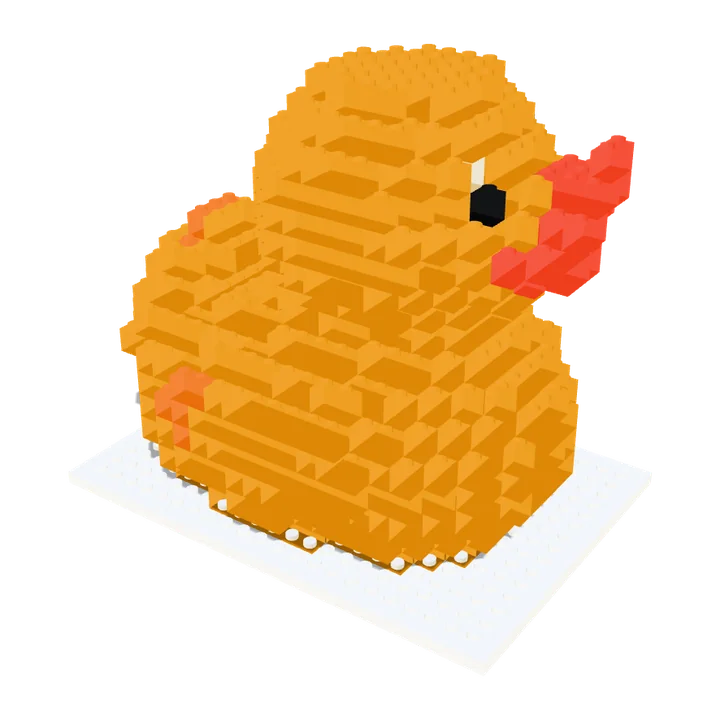
Scan or import an object and see it rebuilt in brick-compatible parts. Preview it free, then print it in one piece, or build it from a parts list and a step-by-step manual.
- No account
- Runs in your browser
- Pay €12 once, only to download

Try it now, free
Build one in three steps
1Choose what to scan
2Preview it and tweak it
Drag to rotate · pinch to zoom
Nothing loaded yet
Pick a sample above to see what comes outAdjust the model
—
Drops the bricks nobody can see. Much cheaper and faster.
3Get your files
Three ways to use the same model. Preview everything free. Saving any file is a one-off €12, then it is yours to use on every model.
Print it in one piece
One STL, one print, no assembly. Looks brick-built, isn't separable bricks.
Print tips
One STL, so it prints in whatever single colour is loaded — the colours on screen are the buy-list's, not this file's. A multi-material unit can paint it, but you'd have to assign them in your slicer.
Studs are only modelled where they're visible. The file arrives upright and sitting on the bed, in millimetres — print at 0.2mm layers. Stepped sides usually print without supports; anything with a big overhang still needs them.
Print the actual bricks
Real hollow bricks with studs and clutch tubes, then click them together.
Honest warning: brick clutch needs about 0.1mm accuracy. On a typical FDM printer these will come out either loose or welded together, and you'd be printing hundreds of them. Resin gets closer.
Buy the real bricks
Parts list plus a layer-by-layer building manual. No printer needed.
Price is a rough estimate for used parts and excludes postage. Colour IDs in the BrickLink file are unverified — check the list looks right before you pay.
Examples
Same engine, any object
Each pair is a real render from Brickalike: the sample 3D model on the left, the brick model it built on the right.


Avocado
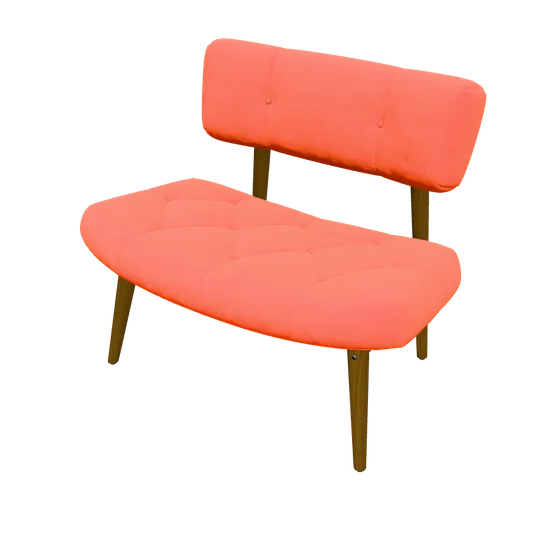
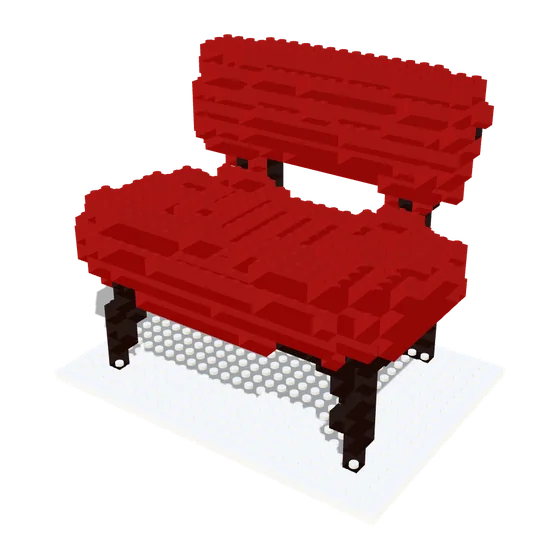
Chair
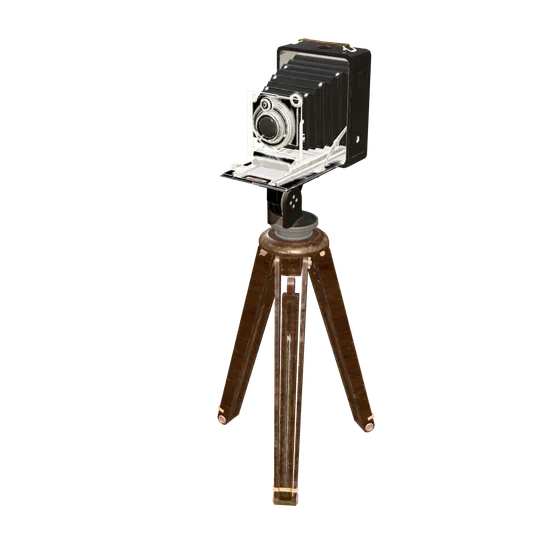
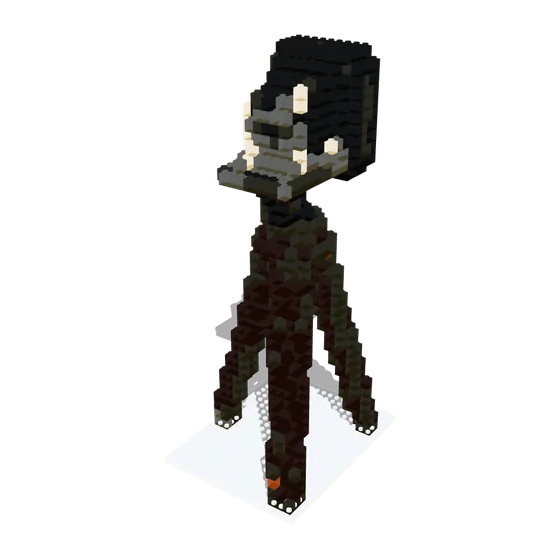
Antique camera
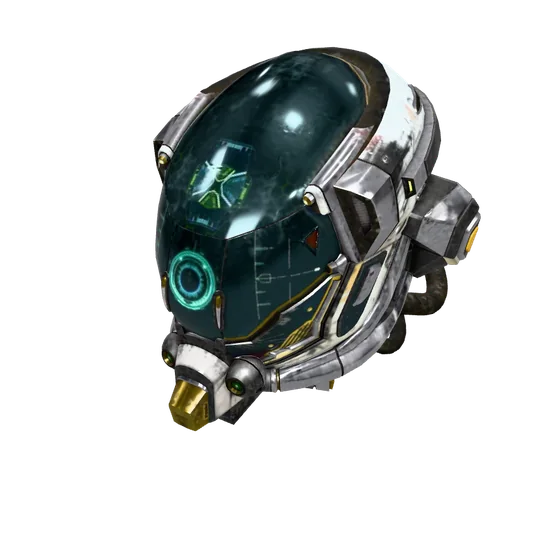
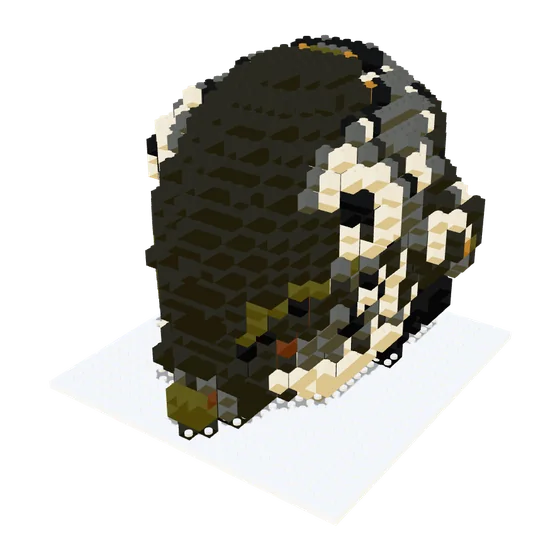
Helmet
How it works
From object to model in minutes
- 1
Scan or load an object
Use your phone camera, import a 3D scan, or try a sample. Everything is built right in your browser.
- 2
Preview it for free
Spin the model, change the detail, and see the exact brick count and parts list before you pay anything.
- 3
Unlock your files
Pay once, then download the print file, the parts lists and the building manual.
Included
A building manual you can actually use
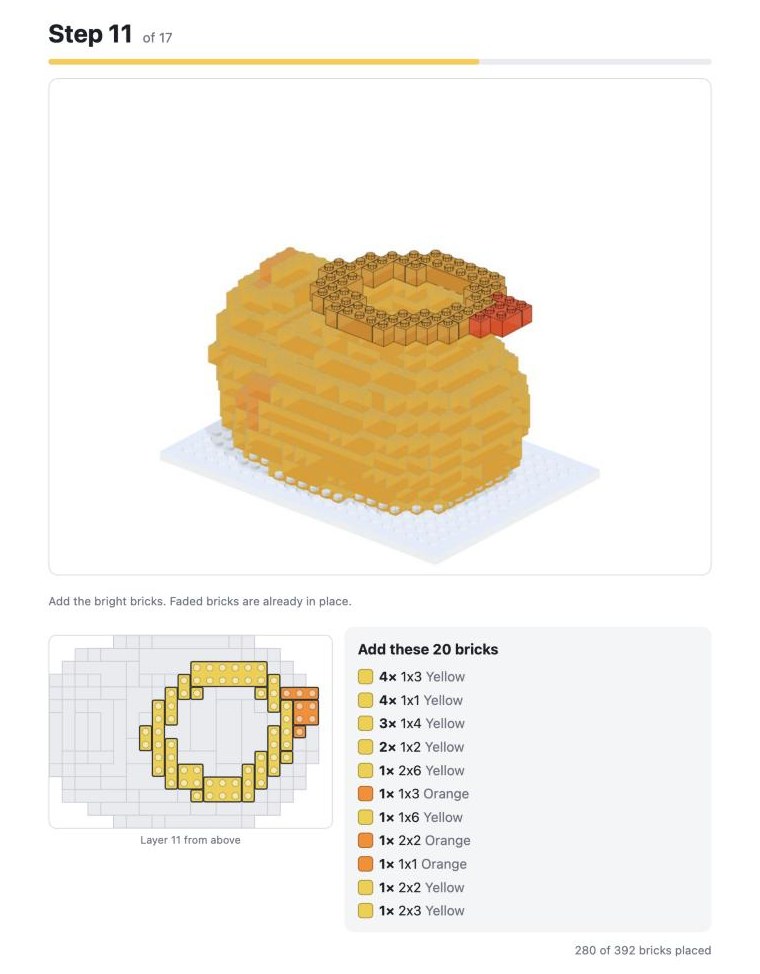
Every model comes with a printable guide: a cover, a full parts list, and one numbered page per layer with a 3D picture, a top-down plan and the exact bricks to add. Save it as a PDF or print it.
- 3D picture of the model after every step
- Layer plan seen from above
- Parts list to tick off as you gather bricks
Price
Scanning, previewing and the brick count are always free. Secure checkout is handled by Stripe. The price is the all-in price, VAT included where it applies.
Start with a free previewWhat you get
- One-piece STL, print-ready at the size you choose
- Printable brick kit and print list
- Parts list (CSV) and BrickLink wanted list
- Printable building manual with 3D step pictures
- One unlock code, works on up to 3 of your browsers or devices
FAQ
Questions
Are my photos uploaded anywhere?
Not for camera scans. Your photos stay on your device and the model is built in your browser. The one exception is the optional "From a photo" route: it sends that single photo to an AI service (Tripo or Meshy) using your own free key, passing through a relay that does not store it.
Do I need a 3D printer?
No. The parts list and the building manual are for building with real bricks. The STL files are for people who do have a printer.
Will it fit real bricks?
The parts list uses standard brick sizes and colours, so you can buy the pieces. The printable brick kit is made to standard stud spacing, but home printers vary: bricks can come out loose or too tight, and resin printers get closest.
Is this an official brick-maker product?
No. Brickalike is independent and is not affiliated with, endorsed by or connected to any brick or toy manufacturer. "Brick-compatible" means it uses standard stud spacing and common brick sizes.
What can I import?
3D scans as GLB, glTF, OBJ, STL or zipped OBJ from apps like Scaniverse or Polycam. You can also scan with your phone camera right here, or start from a sample.
What if something goes wrong?
Email [email protected] within 14 days of buying and we will fix the problem or refund you. This doesn't affect your legal rights.
How many devices can I use my unlock code on?
Up to three browsers or devices. Your code never expires, unless the purchase is refunded.